Operating SystemsSep 26, 2026
Why trying Arch Linux at least once will change your life
by Havyn Liew

DISCLAIMER: Since using Arch Linux or any Linux as a home system is a whole shift of what you are used to, not every little thing can be covered in this post, so do approach this with a learning mindset and to not be discouraged when you cannot find the answer.
Society pictures failure as a fear, to fail is the path to learning, and the path to learn is success.- Havyn Liew
The first time i touched Linux was in 2022 and i fell in love. It was the first time i felt like i had infinite power on anything and everything in the OS, the appearances, the scheduling, the battery, literally everything a normal person wouldn't need to think of in MacOS and Windows.
This post is not aimed towards a large audience, just a particular type of person who would really want to fall in love with Linux without all the confusion that i went through. Let this serve as a door to beginning a long but fulfilling journey of learning Arch Linux. Since you are reading this post means you are willing to suffer and learn for the fun of it.
The Holy Grail of information
Arch Linux has an amazingly detailed wiki for almost anything you would need to install and modify. If you really want to get going on the appearance side, there are many existing dots by the community that can be found on r/unixporn on reddit (no it is not actual porn).
The main reference: https://wiki.archlinux.org/
Amazing community dots: https://www.reddit.com/r/unixporn/
Honorable mentions:
- r/archlinux - for debugging help or looking for new things the community is doing.
The Scary Black Screen
So where to start, a scary black screen, don't seem to be automatically connected to wifi and basically nothing can be done. Arch iso's always have iwctl installed so here are some steps to use it to connect to wifi.
device list                              # Getting device name (eg. wlan0)
station <device name> scan               # Scanning for available wifi
station <device name> connect "SSID"     # Connecting to your wifi

exit                                     # Exiting from the iwctl CLI
Another very easy way to connect to the internet is to use Ethernet, then you don't need to worry.
Don't know how to use the shell?Do it slowly and over time you will remember it due to sheer volume of using those commandsnaturally learn and remember the commands
If you are really, really lost here's a small cheatsheet of some essentials:
ls: list files.cd: move between folders.pwd: show current folder.mkdir: create folder.rm: remove files.cp: copy.mv: move/rename.cat: print file contents.nano: beginner-friendly editor.man: read command manuals.
SLAP ON SUDO WHENEVER YOU GET A PERMISSION ERROR, MAKE SURE YOU UNDERSTAND THE COMMAND BEFOREHAND THOUGH SO YOU DON'T PERMANENTLY DAMAGE YOUR SYSTEM.
The Installation
If you have read online articles on installing Arch Linux just a few years ago, the manual way is long and tedious and when done wrong can be hard to fix. Thankfully Archinstall, a terminal install tool for Arch Linux solves this problem and makes installing Arch as painless as possible.
archinstall
Here are some options and explanations on what they are:
- Mirrors (aka regions) - These will be the servers that Arch will download from, it highly impacts download speed so choose a region that you are in or nearest to you.
- Filesystem - there are 3, but for a home user it is best to use btrfs or ext4
- Profile -
Minimalis installation for basic tools but no graphical interface,Desktopwill install a desktop environment (recommended to start with GNOME or KDE) andServerwill install more tools but with no graphical interface as well. - Disk - use entire disk will wipe the whole disk you choose so pay attention, manual partitioning will give you more control on what partition sizes you want. For most people use entire disk is when you have a seperate disk just for Linux, Manual partitioning is for when you are dual booting of a shared drive.
- Bootloader - systemd-boot or GRUB. use GRUB in most cases as it will help with dual-booting later on
- Swap - virtual memory, or memory that is space on your disk. Use if laptop/computer has limited RAM
- Audio - PipeWire is the modern choice to be used
- Kernel -
linux-ltsis a safe option, but if you want the latest and greatest just picklinux
What is pacman and yay?
Package managers are mostly taken for granted by most users but is actually a powerful tool that can be taken advantage of to manage packages installed on your system. Arch Linux officially uses pacman as its standard package manager which directly fetches from the main repository. There are also alternatives such as yay that can fetch from the main repository but also can be extended to the Arch User Repository(AUR) which has community supported packages with its own advantages as well.
- pacman - managing packages from Arch official repositories
- yay - An AUR(Arch User Repository) helper
Some things to keep in mind:
- prefer pacman for official packages
- use yay only when something you want to install is in the AUR only
Downloading packages
sudo pacman -S <package name>
yay -S <package name>
Removing packages
sudo pacman -R <package name>
yay -R <package name>
Updating packages
sudo pacman -Syu
yay -Syu
Eating a Bowl of Rice
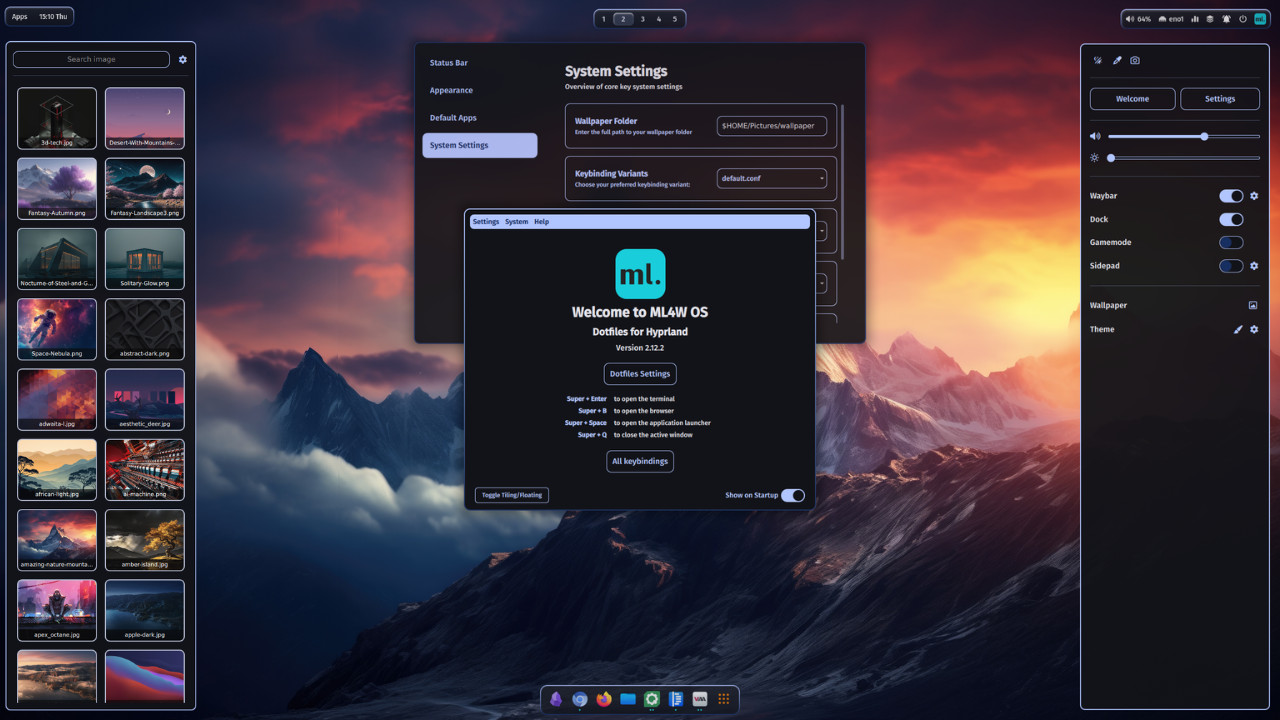
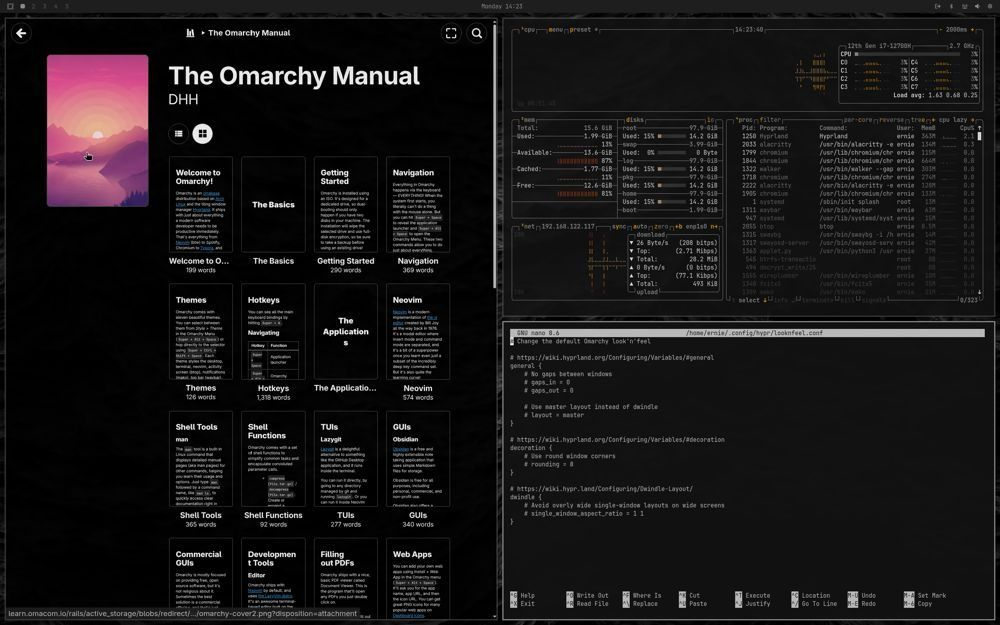
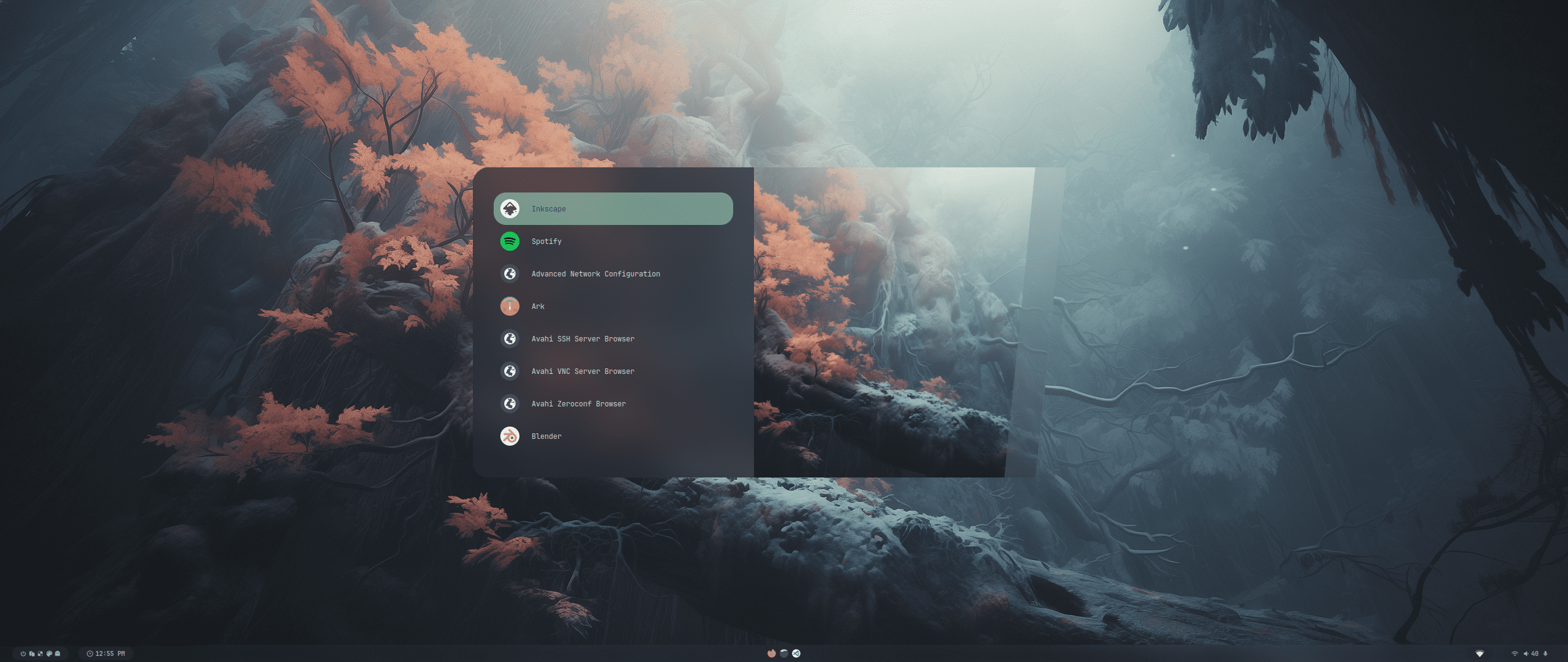
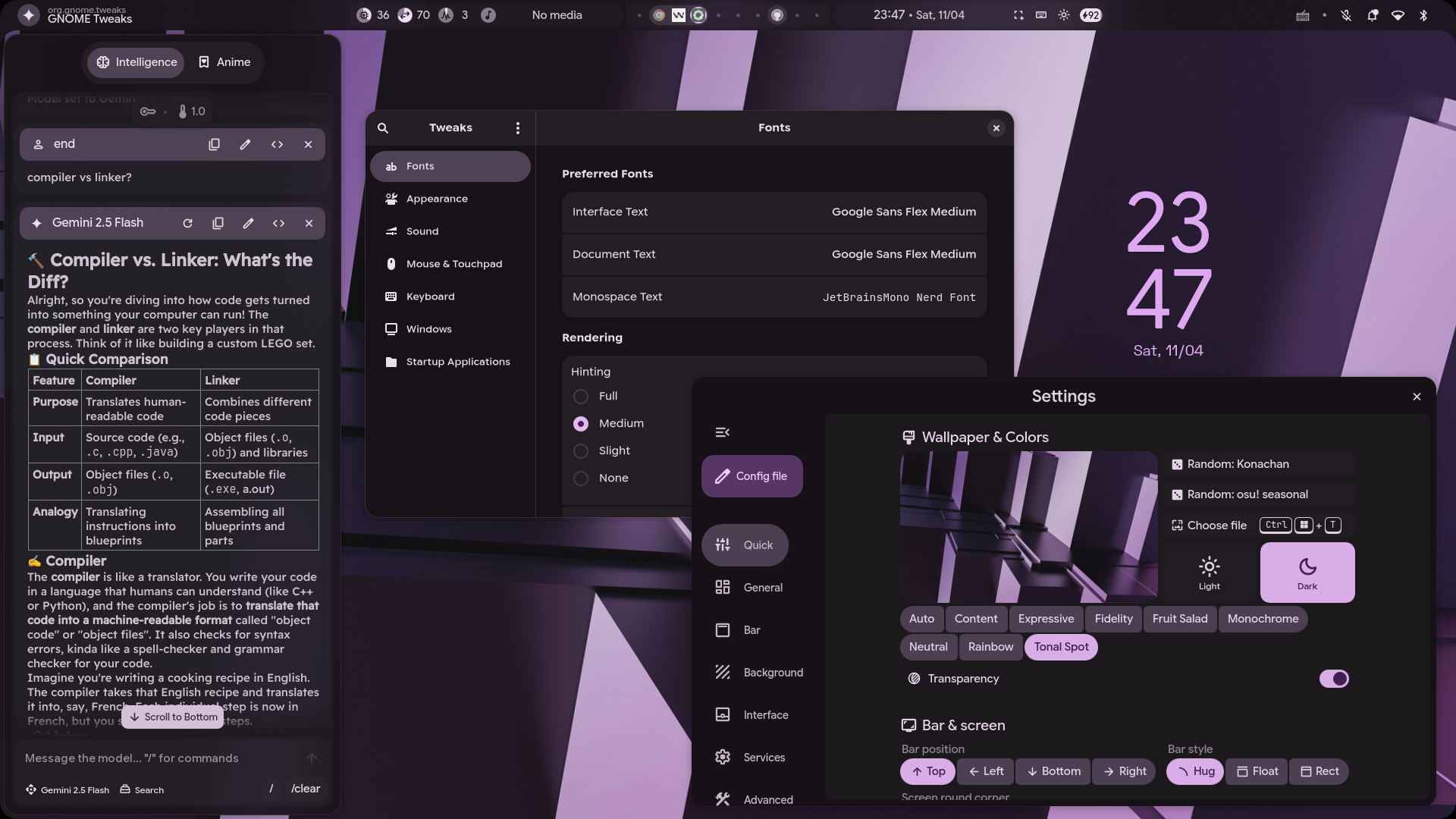
And now the awaited part of this article: ricing. The word rice is used to describe the personalization or visual customization and the phrase originates from the car and bike modding community. There are mainly 2 types of rices that can be done, using other people's dots or community dot files or making your own, and that is the rabbit hole that one can go down when using Linux as their OS.
Premade dots
ML4W Dots
Omarchy
Hyde
End_4
Caelestia
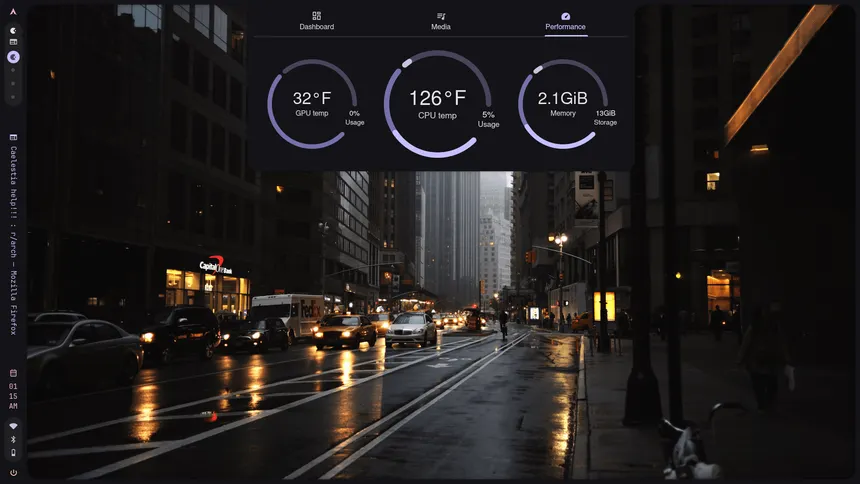
Use these dotfiles for quick setup, less thinking needed just tweak in the .config/ folder for related services. Even if you find yourself clueless or don't know what can be changed for that particular package config, you can go to it's github repo and most of the time there should be instructions on how to change the config and what different options there are.
- fully custom way
- Waybar (bar that can be customised at any edge of the screen)
- Terminal (Ghostty, Kitty, Alacritty, etc.)
- Hyprland config (Tiling Window Manager)
- Rofi + widgets (highly configurable interfaces, mainly used as a search bar or popups)
Use this way to experiment when you feel comfortable with the beginner dot files.
What about applications?
- Installing open source alternatives
- Libreoffice (Office Suite for documents and such)
- Games?
- https://wiki.hypr.land/Nvidia/
- https://github.com/GloriousEggroll/proton-ge-custom (Recommended for most games)
- Steam is ported to Arch Linux as well
- Tools?
- btop for task management
- Nautilus/Dolphin for file management
What do i gain from all this?
- lightweight OS
- more control over literally everything
- problem solving mindset
- Having explored and 'I use Arch btw privileges'
Resources and Content Creators
When encountering any issue do try to just google it first and try and get some solutions, please use AI mainly to explain and even if you use commands given by AI do ensure to ask it to explain the commands as some may have adverse effects on your system.
Anyway to cap off this post here are a list of creators and resources for reference:
- @saneAspect - Great Youtuber to learn ricing fundamentals from
- @typecraft_dev - Makes great guides on setting up Neovim and other tool